

Getting started with Freelap
New to Freelap? Get started with confidence thanks to this simple guide designed to help you understand the system, set it up, and take your first measurements.
Getting started with Freelap is simple. In just a few minutes, you can install your setup, connect the app, and start taking your first measurements in the field.
1.
Understand the system
Freelap works with coded transmitters placed along your path, which are automatically detected by a transponder worn by the athlete. Depending on the products and use cases, the start, split points, and finish are managed by different transmitters, while the data is sent to the MyFreelap app.
Discover the essential components and the role of each element in your setup.
2.
Install your setup
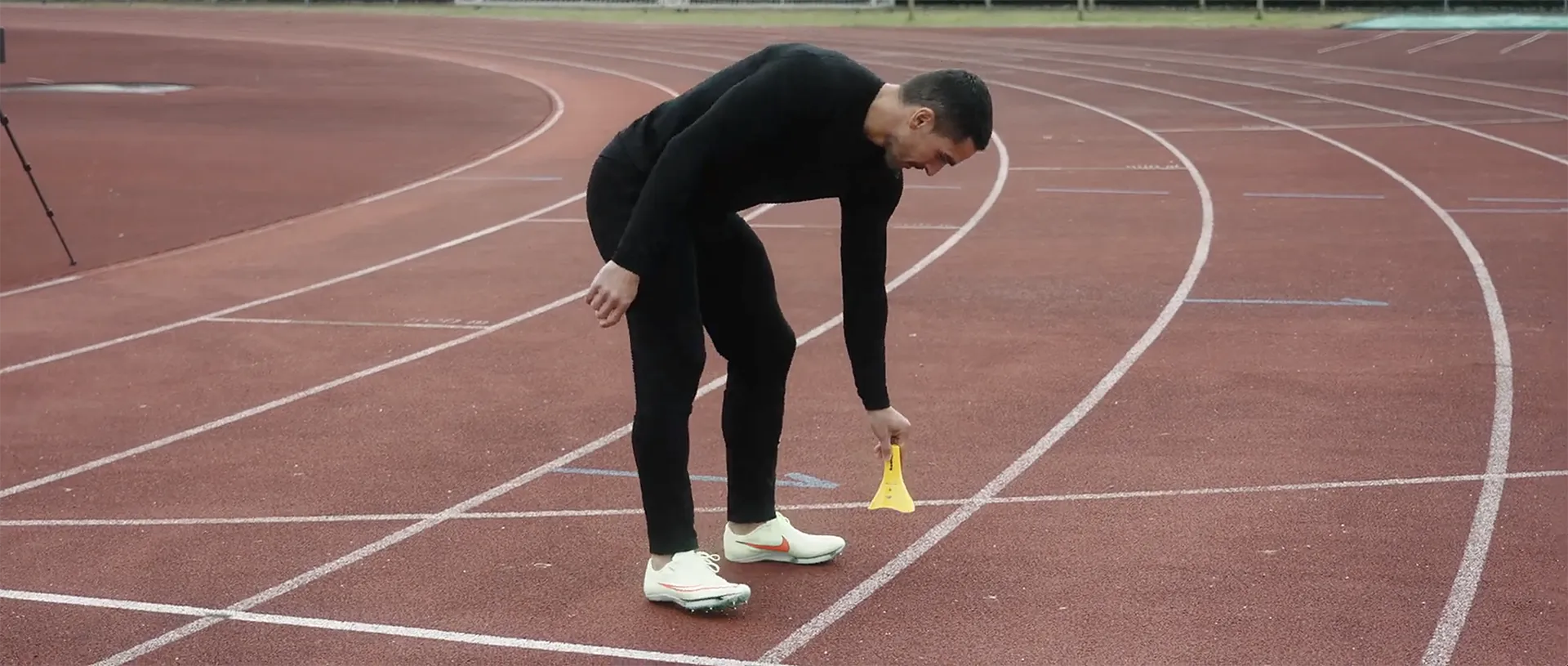
The setup depends on your sport and the type of start used. Freelap provides sport-specific guides and also reminds you of certain basic rules, such as a minimum spacing of 10 m or 0.7 s between two transmitters on the same path, with a maximum of 11 transmitters passed by the same transponder.
Choose a setup adapted to your practice and follow the placement recommendations.
3.
Start your first session
Once the equipment is in place, you can use MyFreelap to quickly start timing with Quick Timing, or choose a preconfigured drill to access more options such as start lists, distances, and certain advanced data.
Download the app, connect your equipment, and start measuring your performance.
To get started with Freelap, you need a setup adapted to your sport, at least one transponder worn by the athlete, and one or more transmitters positioned along the course. The data is then collected in MyFreelap on your smartphone and can also be viewed on the web.
To get started with Freelap, you will need:
- a compatible Freelap® transponder
- one or more transmitters depending on the timing scenario
- a smartphone compatible with MyFreelap®
- Freelap® Device Manager, if needed, to configure or update BLE devices
- the guide corresponding to your sport or product
Depending on your discipline, the number of transmitters, the type of transponder, and the recommended setup may vary. That is why we recommend consulting the guide corresponding to your sport.
Freelap apps allow you to configure your system, start your sessions, and make full use of your data. Download the right tools before your first use to save time in the field.
2
Freelap Device Manager
Freelap Device Manager is used to configure and update Freelap BLE devices, including FxChip BLE, FxSwim, Relay Coach BLE, and LED Display. The mobile app is compatible with iOS 13+ and Android 6+, and desktop software is also available for certain major updates of the Relay Coach BLE or LED Display.
Before starting your first session, make sure you have downloaded the app suited to your use case and enabled the necessary options in the settings.
Each discipline has its own timing needs, ideal setup, and installation best practices. To get started faster and build on a reliable foundation, choose the guide corresponding to your sport.
Whether you use Freelap for athletics, biking, motorsports, soccer, skiing, or another discipline, our quick-start guides help you:
- understand the recommended setup
- position your transmitters correctly
- choose the right products
- start your first sessions in the best conditions
Select your discipline to access the most suitable guide and install Freelap in a simple, precise, and efficient way.
FAQ
How does Freelap work?
The system uses transmitters that emit fields detected by a transponder worn by the athlete. The times are then sent to MyFreelap for display and storage.
Do I need an app to get started?
Yes, MyFreelap is the central app for starting a training session and collecting data. Some BLE devices also require Freelap Device Manager for configuration or updates.
Can I start quickly without configuring everything?
Yes, MyFreelap offers a Quick Timing mode to get started faster, with reduced functionality. To access all options, you need to use a preconfigured or custom drill.
Where can I find the right guide for my sport?
Freelap centralizes its documentation with sport-specific guides, product manuals, the MyFreelap guide, the FDM guide, and the FAQ.