

Biking
Introduction
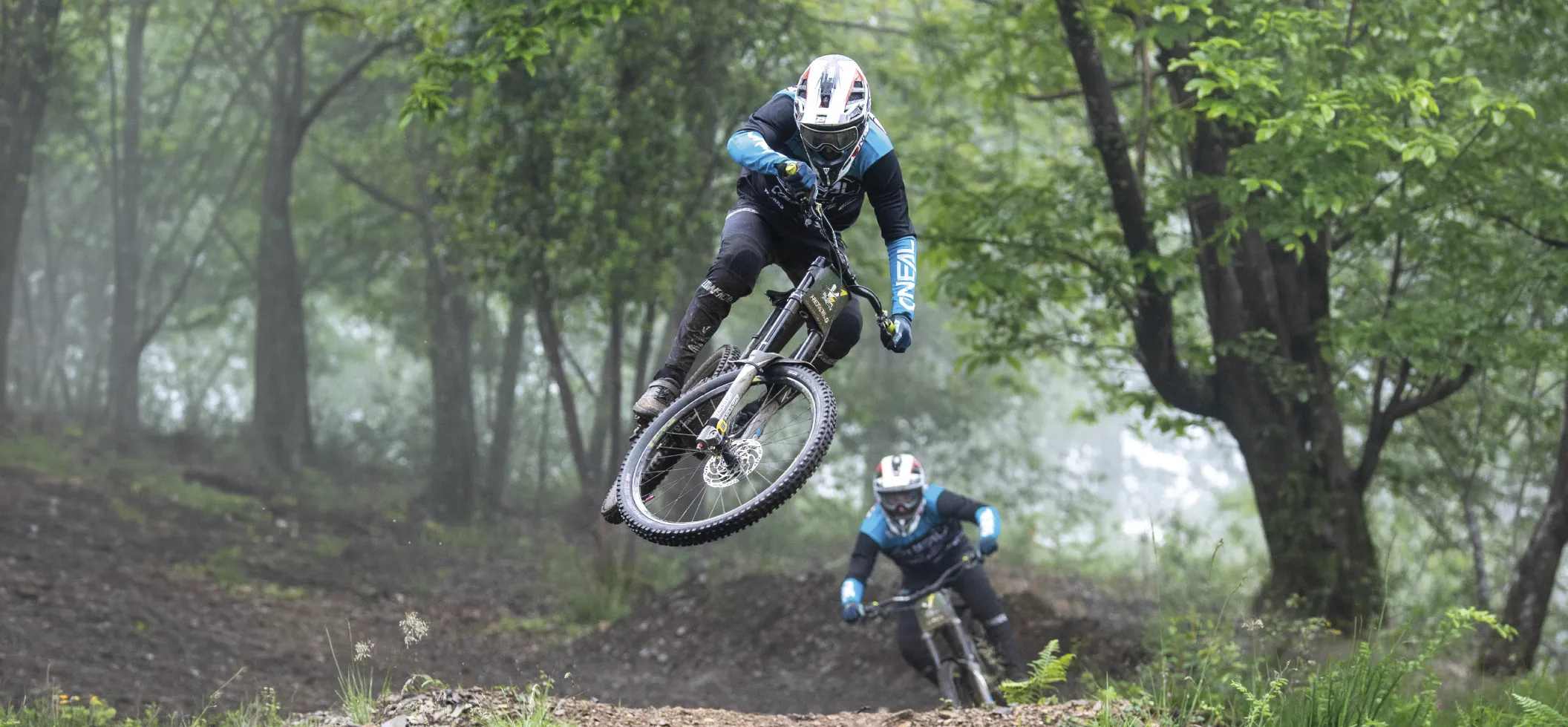
Time your biking training sessions with an automatic, compact and easy-to-set-up system. Get your total times, split times, cumulative times, gaps, rankings and live results, with no course length limitation. The system can also work with multiple athletes simultaneously, in offline mode, with data storage, export and sharing.
This page helps you understand the main possible biking setups, identify the useful components and quickly find the PDF guide corresponding to your practice.
PDF guides for biking
Consult the biking quick guide to discover how the system works, how to attach the transponder, how to place the transmitters, how to configure your training session in MyFreelap and how to download the last recorded time.
Main use cases in biking
Total time
Time a full course from start to finish and measure overall performance on a defined section.
Split times
Add one or more intermediate transmitters to analyze the course more precisely and measure specific sections. The biking quick guide explicitly shows a standard setup with split times.
Loop setup
You can also use a loop setup with a FINISH transmitter at the main passing point to collect times over several laps or repetitions. The biking quick guide presents this loop setup as one of the basic configurations.
Equipment testing and race pressure
Time your runs to reveal your progress, compare your attempts and test your equipment in conditions close to competition.
Useful components
FxChip BLE
Attach the FxChip BLE to the bike fork using a suitable holder, in a vertical position and facing forward. At the beginning of your session, shake the chip to turn it on. A green LED flashes to indicate that it is active. Battery life: 80 h. Charging time: 5 h.

Tx Track Pro
The transmitters are placed along the track. They define the measurement points : start, split and finish. Their role is to create the markers that the transponder detects when the rider passes.

The MyFreelap app
Then create your training session in MyFreelap. From the home screen, select a preconfigured drill with tutorial, or use Quick Timing to start faster. Click Start to receive your data.

LED Display
Display live times on screen with the LED Display, available as an option in biking packs and in the quick guide.

Getting started with biking

I am new to Freelap
Start with a simple setup using FxChip BLE, Tx Track Pro and MyFreelap. Attach the transponder correctly to the fork, place your transmitters and then create your training session in the app.

I want to measure split times
Simply add one or more coded LAP transmitters between the Start and the Finish. Respect a minimum distance of 10 m or 0.7 s between two transmitters.

I want to use a loop
Choose the loop setup presented in the biking quick guide. It allows you to collect times with a repeated passing logic around a main point.

I did not receive my last time
Start a training session in MyFreelap, then firmly bounce the bike wheel on the ground to make the transponder vibrate and download the last stored time. This time is lost when the transponder turns off or when it is put on charge. Also avoid unintentionally passing through the field of a transmitter again, so you do not overwrite the time you want to retrieve.
Useful resources
To go further, you can consult the following pages:
Need help with your biking setup?
First identify your use case : total time, split times, loop, LED display or multiple athletes. Then consult the quick guide and the related manuals, and contact support if needed.