


Apps and software
Apps and software
Retrouvez ici les applications et logiciels Freelap utiles pour configurer vos appareils, lancer vos séances et exploiter vos données.
MyFreelap
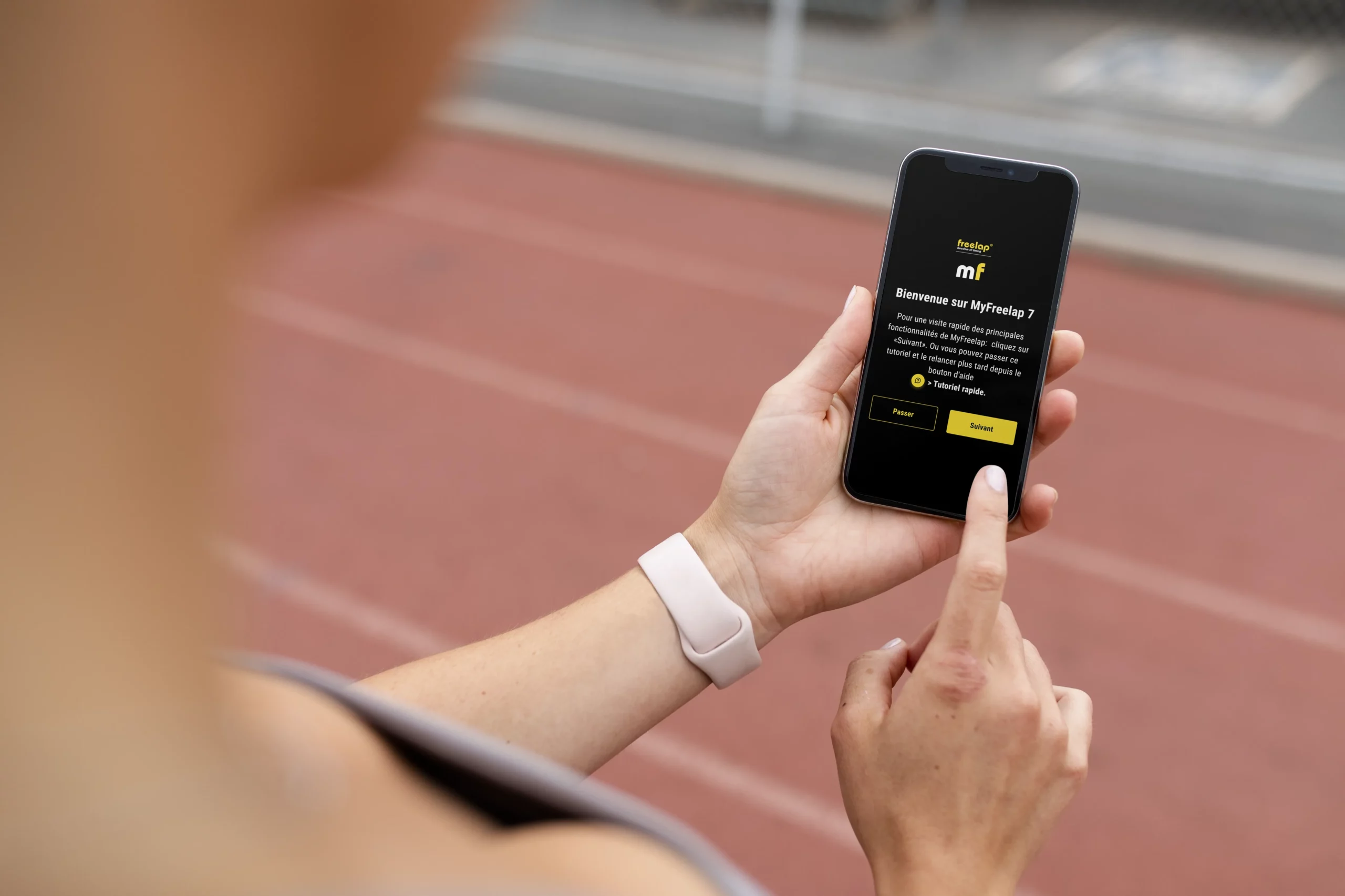
MyFreelap is the main app in the Freelap® ecosystem. It allows you to manage training sessions, view results, and centralize the user experience in an interface designed to become the single reference point for Freelap® use cases.
Freelap Device Manager (FDM)
Freelap Device Manager remains available for configuring and updating certain Bluetooth devices, but it is a transitional tool. The main experience should now be handled through MyFreelap.
MyFreelap Legacy
MyFreelap Legacy remains useful in certain specific cases, especially for long-time users and for smartwatch use. This solution is still available today, but the evolution of the Freelap ecosystem is now centered on MyFreelap.

Which tool should you use?
I want to start my sessions and view my results
Start with MyFreelap. It is the main app recommended for most use cases.
I want to manage my compatible devices
In most cases, MyFreelap is the app to use. If your setup still requires a specific tool, you can consult the additional solutions available.
I want to use Freelap on a smartwatch
For now, smartwatch use still relies on MyFreelap Legacy and compatible devices.
I simply want to download the right tool
Go to the Downloads page to quickly access the available apps and software.
Downloads and compatibility
Freelap's official downloads page currently centralizes four main entries : MyFreelap App, FDM App, FDM Software, and MyFreelap Legacy App.
The documentation also specifies that MyFreelap works with iOS 13+ / Android 7+, FDM works with iOS 13+ / Android 6+, and MyFreelap Legacy works with iOS 13+ / Android 7+.
Useful resources
To go further, you can consult the following pages: